
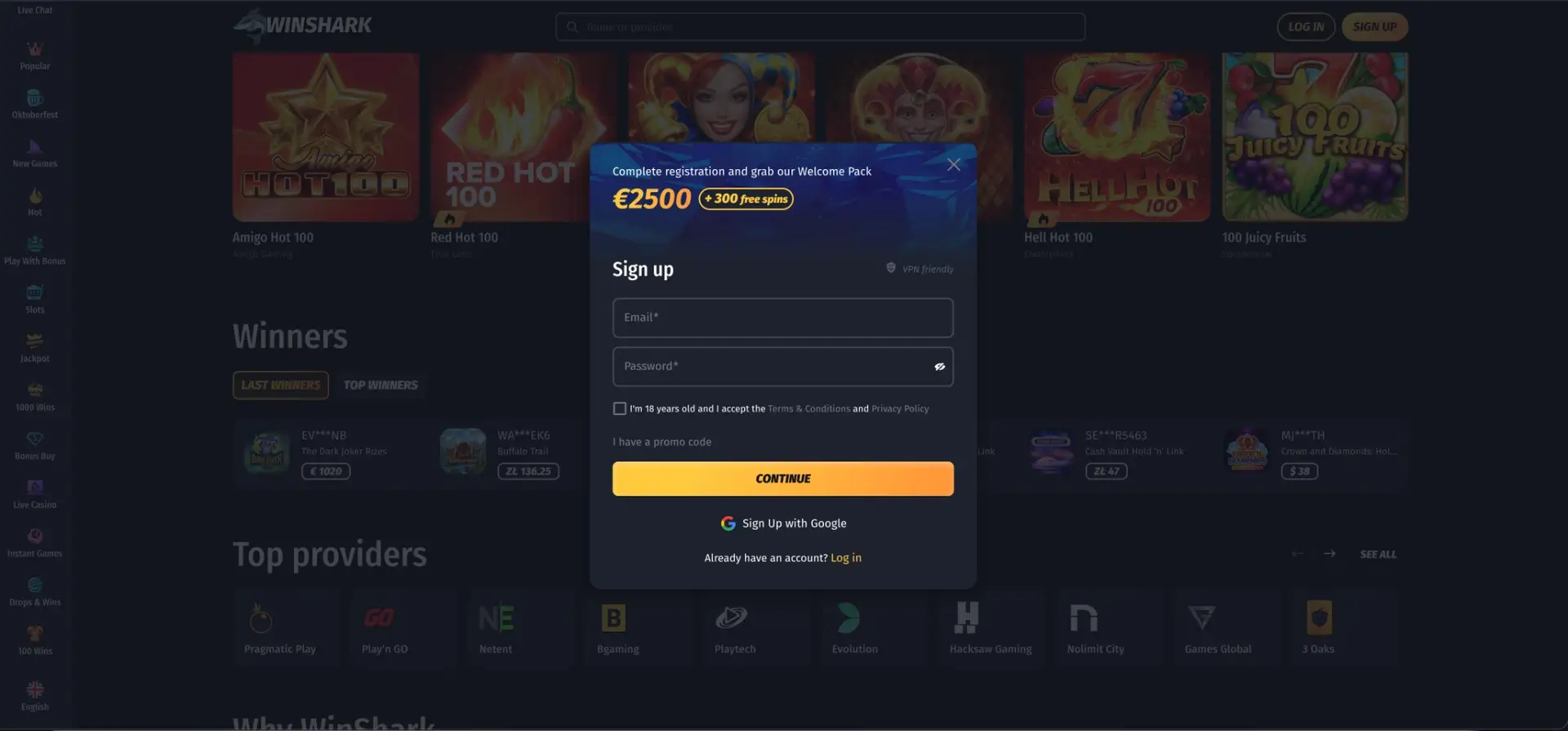
A Winshark casino deposit is made in AUD through the Wallet: open the Deposit tab, choose a card, e-wallet, crypto or bank transfer, enter the amount, select a bonus or enter a promo code, and confirm the payment. Card, e-wallet and crypto deposits are usually credited within minutes, while bank transfers take longer. The first three deposits unlock the Welcome Shark package of up to AUD 4,100 + 300 free spins, a deposit of at least approx. AUD 35 opens the Bonus Wheel in Telegram, and later deposits qualify for the Madnessday Bonus, Cyber Reload and daily Treasure Map offers. Any bonus credited after a deposit waits in My Bonuses and must be activated manually.
The deposit method also affects the withdrawal later, since payouts usually return to the same method. The sections below cover the available methods, the deposit steps, how to combine a deposit with the right bonus and how to solve common payment problems.
| Deposit essentials | Details |
|---|---|
| Where to deposit | Wallet → Deposit tab, or Deposit buttons on promotion cards |
| Currency | AUD |
| Method types | Cards, e-wallets, instant banking, bank transfer, cryptocurrency |
| Crediting time | Usually instant for cards, e-wallets; after network confirmations for crypto |
| Preset amounts | Quick-select buttons plus a custom amount field |
| Bonus selection | In the Wallet before confirming |
| Promo code | Field in the Wallet deposit form |
| Bonus activation | My Bonuses → ACTIVATE |
Winshark deposit methods
The Wallet shows the methods available for the account country, so the list can differ between players. The casino supports the following types of payment.
| Method type | Examples | Crediting time | Available for withdrawal |
|---|---|---|---|
| Bank cards | Visa, Mastercard | Instant after bank approval | Yes |
| E-wallets | Skrill, Neteller, MiFinity, Jeton, eZeeWallet | Instant | Yes |
| Instant banking | Zimpler | Instant | Depends on country |
| Vouchers | PaysafeCard, CashtoCode, Cashlib | Instant | Usually no, another method needed |
| Bank transfer | Direct transfer | Can take one or more business days | Yes |
| Cryptocurrency | Bitcoin, Ethereum, Litecoin, Tether, Ripple and others | After network confirmations | Yes |
Minimum and maximum amounts for each method are displayed in the Wallet before the payment is confirmed. Voucher deposits are convenient for players who prefer not to share card details, but a separate method is required to withdraw winnings.
How to make a deposit at Winshark casino
Deposits take less than a minute once the account is created:
- Log in and click the Wallet or any Deposit button on a promotion card.
- Open the Deposit tab.
- Choose a payment method.
- Select one of the preset amounts or type a custom amount.
- Choose an available bonus or enter a promo code.
- Click the deposit button and complete the payment on the provider's page if redirected.
- Wait for the "Deposit processed" confirmation and check the balance.
- Open My Bonuses and activate the bonus if one was selected.
If a deposit fails, the Treasure Map instructions advise repeating all steps from the beginning, including selecting the bonus or code again. A failed payment does not use up the daily bonus.
Crypto deposits
Cryptocurrency is one of the most practical deposit options for Australian players, as it avoids card declines and supports fast withdrawals. Supported assets include Bitcoin, Ethereum, Litecoin, Tether, USD Coin, Ripple, Tron, Solana, Dogecoin, Cardano, Toncoin and Bitcoin Cash, and Binance Pay is also available.
- Select the cryptocurrency in the Wallet.
- Choose the blockchain network, for example TRC-20 or ERC-20 for Tether.
- Copy the deposit address or scan the QR code.
- Send the funds from a crypto wallet using the same network.
- Wait for the required confirmations; the balance is credited in AUD.
Sending funds on a different network than the one selected in the Wallet can lead to a permanent loss. Exchange rate movements between sending and crediting may also slightly change the AUD amount.
Which deposit unlocks which bonus
Many Winshark promotions are linked to specific deposits or days of the week. Planning the deposit around them gives more bonus value from the same amount.
| Deposit | Bonus | Amount for the full bonus |
|---|---|---|
| 1st deposit, Standard | 100% up to AUD 250 + 50 FS | AUD 250 |
| 1st deposit, High-Roller | 50% up to AUD 3,300 + 100 FS | AUD 6,600 |
| 2nd deposit | 80% up to AUD 300 + 75 FS | AUD 375 |
| 3rd deposit | 60% up to AUD 500 + 125 FS | approx. AUD 834 |
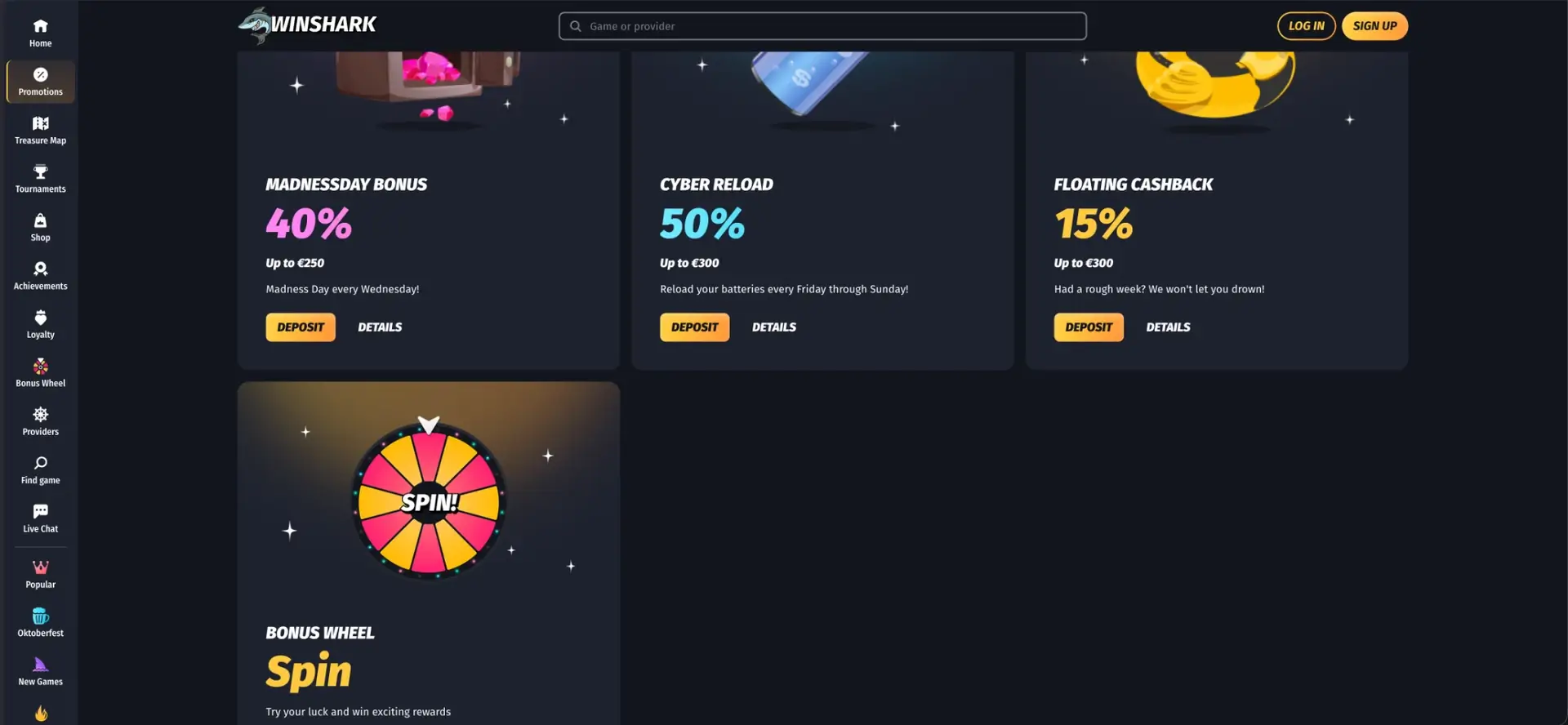
| Any Wednesday deposit | Madnessday Bonus 40% up to AUD 400 | AUD 1,000 |
| Friday-Sunday deposit | Cyber Reload 50% up to AUD 500 | AUD 1,000 |
| Daily deposit with code | Treasure Map bonus of the day | Minimum listed in the day's offer |
| Deposit of approx. AUD 35+ | Bonus Wheel access in Telegram, 30 FS on account confirmation | Approx. AUD 35 |
Wagering of 45x applies to the welcome package and Treasure Map bonuses. A deposit can also be made without a bonus, which keeps the balance free of wagering requirements and allows withdrawing winnings without turnover.
Deposit with a promo code
The Wallet deposit form includes a promo code field. For Treasure Map bonuses, clicking GRAB on the current day fills the code in automatically; if the field stays empty, the code can be copied from the bonus details and pasted manually. Codes from emails or special campaigns are entered the same way before confirming the payment.
Deposits and the Loyalty Club
Deposits themselves do not earn XP, but they add coins to the Shop balance through the Play activity. XP comes from pokie bets, and each rank of the Loyalty Club raises the Floating Cashback rate and withdrawal limits. Players who deposit regularly and play pokies reach the Reef Ray rank, where cashback starts at 8%, from level 11.
Common deposit problems
Most failed deposits have a simple cause:
- Card declined: some Australian banks block gambling transactions; an e-wallet or crypto can be used instead.
- Amount below minimum: each method and bonus has a minimum shown in the Wallet.
- Bonus not credited: the bonus was not selected or the promo code field was empty before confirmation.
- Bonus not visible: it is waiting in My Bonuses and needs activation.
- Crypto pending: the network has not yet reached the required number of confirmations.
- Bank transfer delayed: transfers pass through banking systems and are credited after receipt.
Deposit limits and responsible play
The Winshark account settings include personal limits on spending, a Time Track Notification after 60, 90 or 180 minutes, a cooling-off period and self-exclusion. Setting a deposit limit before the first payment helps keep spending within a planned budget. Free confidential support in Australia is available through Gambling Help Online and the national helpline 1800 858 858.
Deposits on mobile
The Wallet works the same way in mobile browsers. E-wallet payments often redirect to the wallet's own app, and crypto addresses can be copied directly into a wallet app on the same phone. Limits, methods and bonuses do not differ from desktop.
FAQ about Winshark casino deposit
Answers to common questions about adding funds to a Winshark account.
How do I deposit at Winshark casino?
Open the Wallet, choose the Deposit tab and a payment method, enter the amount, select a bonus or code and confirm the payment.
Can I deposit in AUD at Winshark?
Yes. Australian accounts are held in AUD, and deposits by card, e-wallet, voucher and bank transfer are made in AUD. Crypto deposits are converted to AUD when credited.
How long does a Winshark deposit take?
Card, e-wallet and voucher deposits are usually instant. Crypto is credited after network confirmations, and bank transfers can take one or more business days.
Do I need a promo code for the welcome bonus?
No. The Welcome Shark bonus is selected in the Wallet during the deposit. Promo codes are used for Treasure Map and special offers.
Why didn't I receive my deposit bonus?
The bonus may be waiting in My Bonuses for activation, or it was not selected before confirming the deposit. Live chat can check the transaction.
Can I deposit without taking a bonus?
Yes. Choosing no bonus keeps the balance free of wagering, so winnings can be withdrawn after verification.